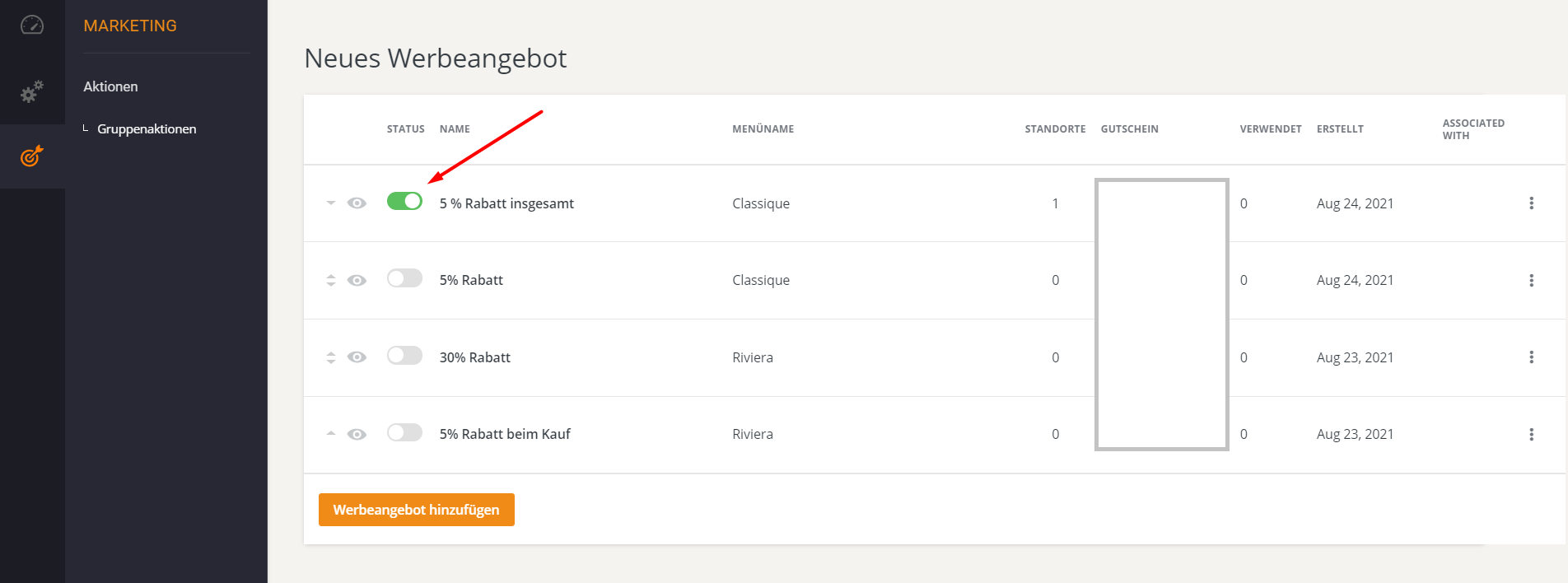
Promotional campaigns for chain restaurants
Promotional campaigns for chain restaurants
If a chain has multiple locations that use the same common menu, it can also have chain restaurant promotions that are created at the chain level and used by locations under the common menu.
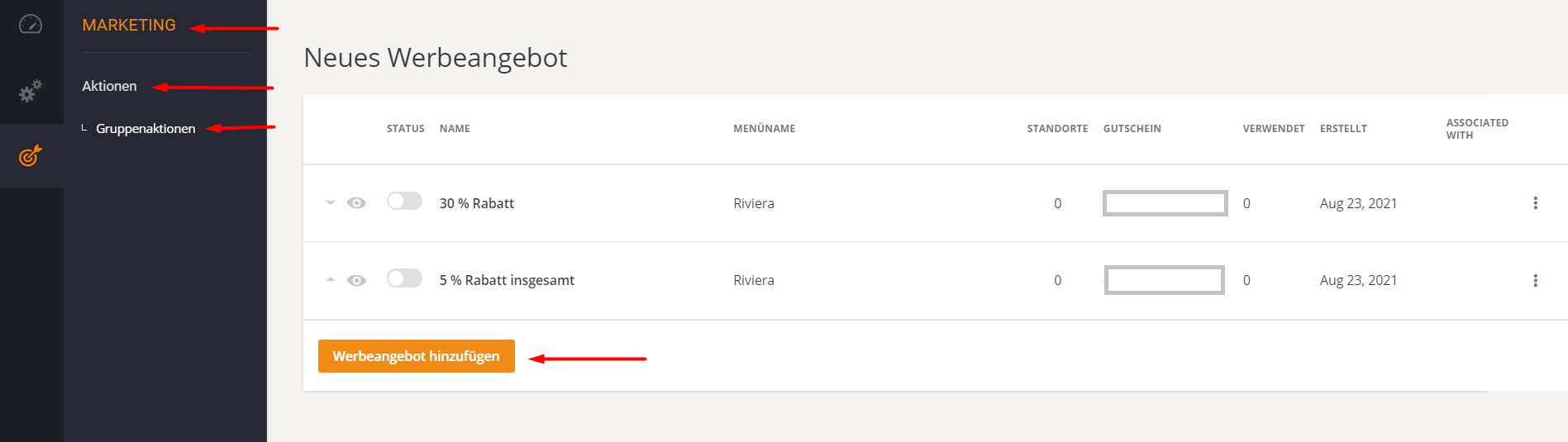
To add a promotion within a chain account, go to Marketing -> Promotions -> Group Promotions and click on "Add Promo Deal":
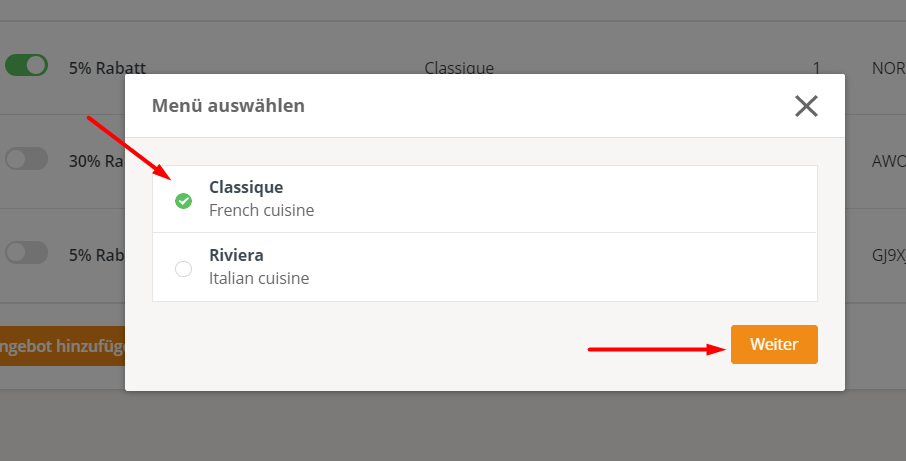
The account holder is prompted to select a menu item from the available list:
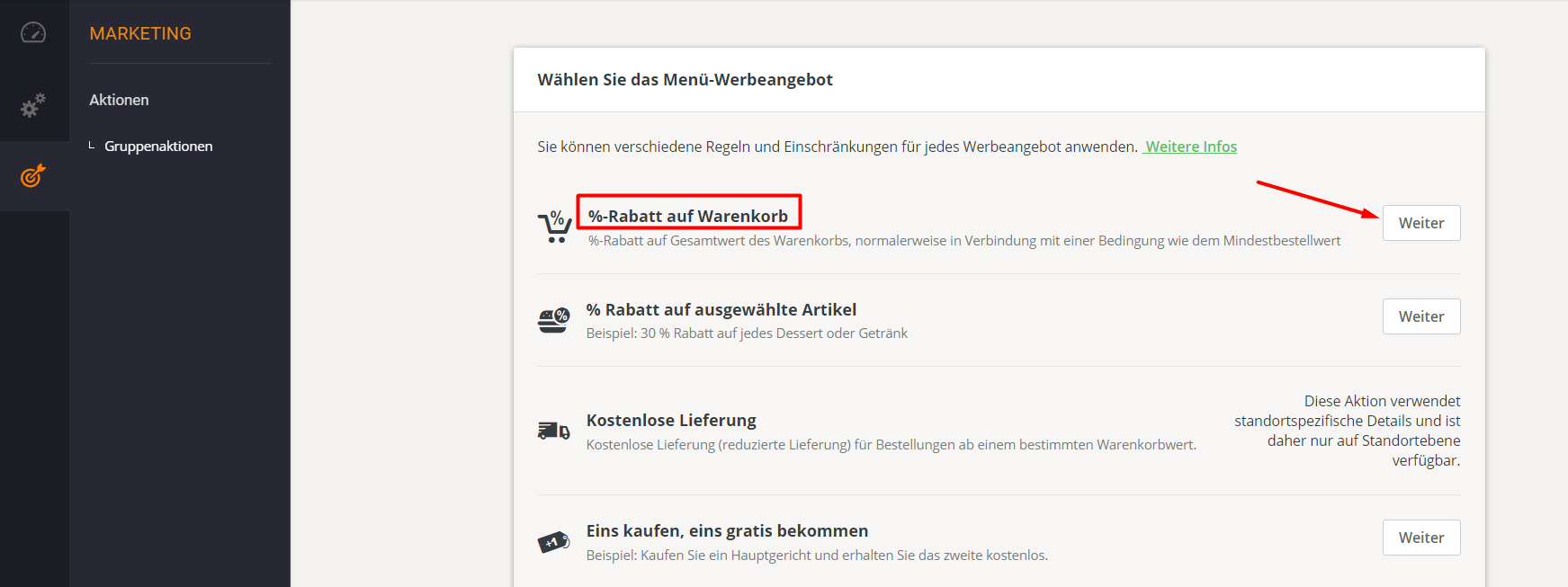
Select an action from the list and click "Next":
For the next steps, configure the settings for the promotion and then activate it in the "Group Promotions" section as follows: