



Google restaurant listing
Google restaurant listing
Listing a restaurant's website in Google Business leads to a better ranking in search results, more visitors to the website, and ultimately to more online sales.
The Google restaurant listing in the online ordering system works as follows:
- The system creates the Google Business listing if the restaurant doesn't already have one;
- The system updates the restaurant's existing Google Business listing. In this case, the system requires location access from the current account administrator.
Google Business is located here in the system:
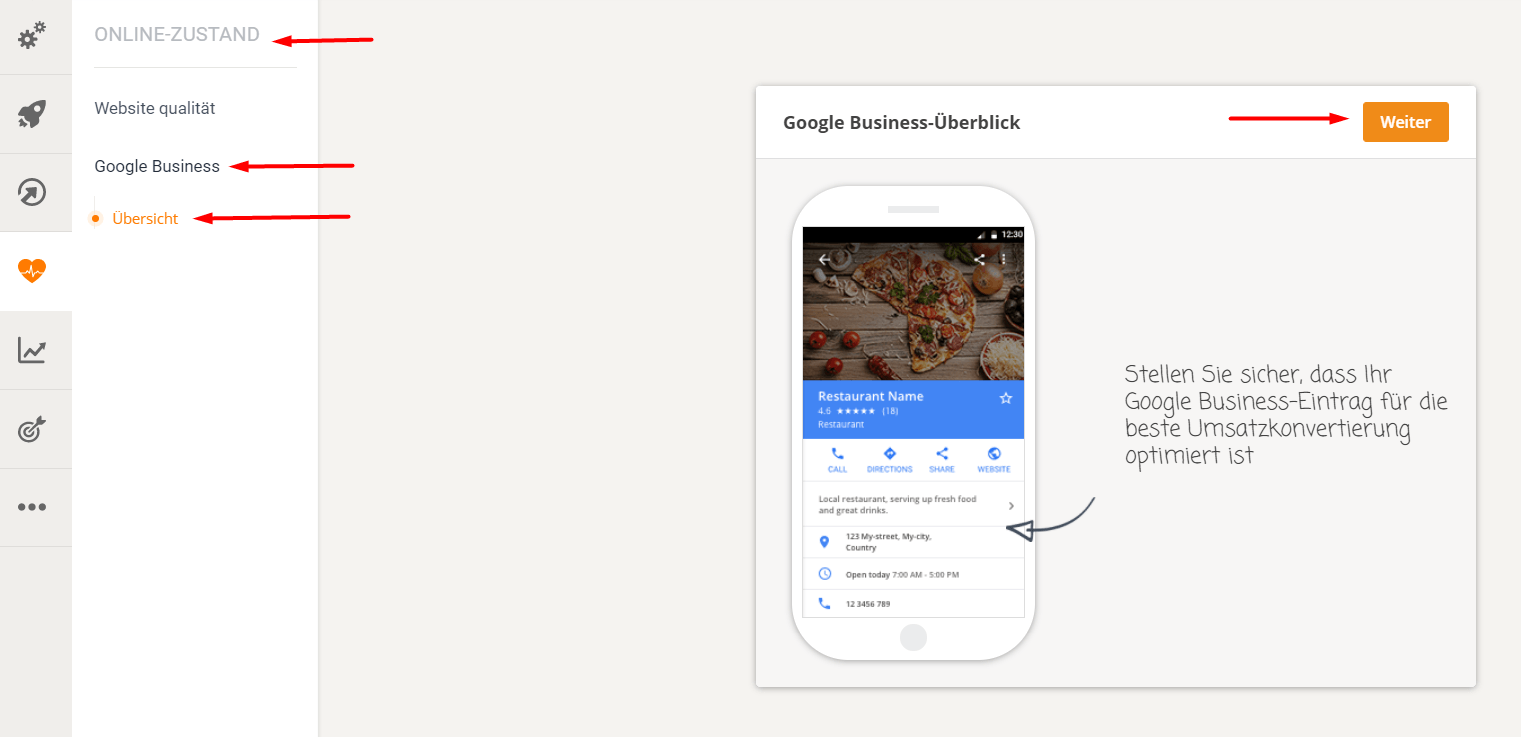
Here is the Google restaurant listing process:
- Create/receive access to the listing – If the listing exists, the system will prompt the listing owner to grant manager access to the location (so that it can be updated);
- The system uses information from the restaurant's admin panel to create/update the information in the listing - for example, business information (address, opening hours, services, cuisine, etc.), restaurant menu, website links, orders, reservations.
- The system helps with the verification of the business:
- Google sends the restaurant owner a PIN code (via postcode, email or phone – Google decides which methods are available)
- Once the PIN has been received, it must be entered in the admin area to complete the verification process.