



Order fulfillment - Relaunch missed or rejected orders
Order fulfillment - Relaunch missed or rejected orders
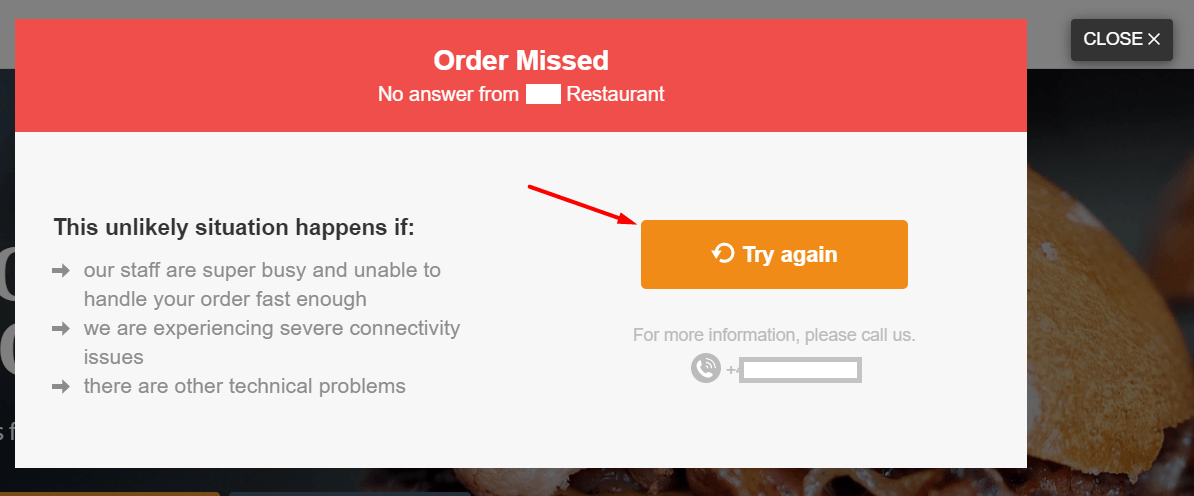
If a restaurant has missed an order, it is best to call the customer back, apologize for the delayed response, and ask if they are still working on fulfilling the order despite the system message. Instruct the customer to click the "Try Again" button to place the order again (see below).
Please note that the food customer can only reorder within 20 minutes - not later.
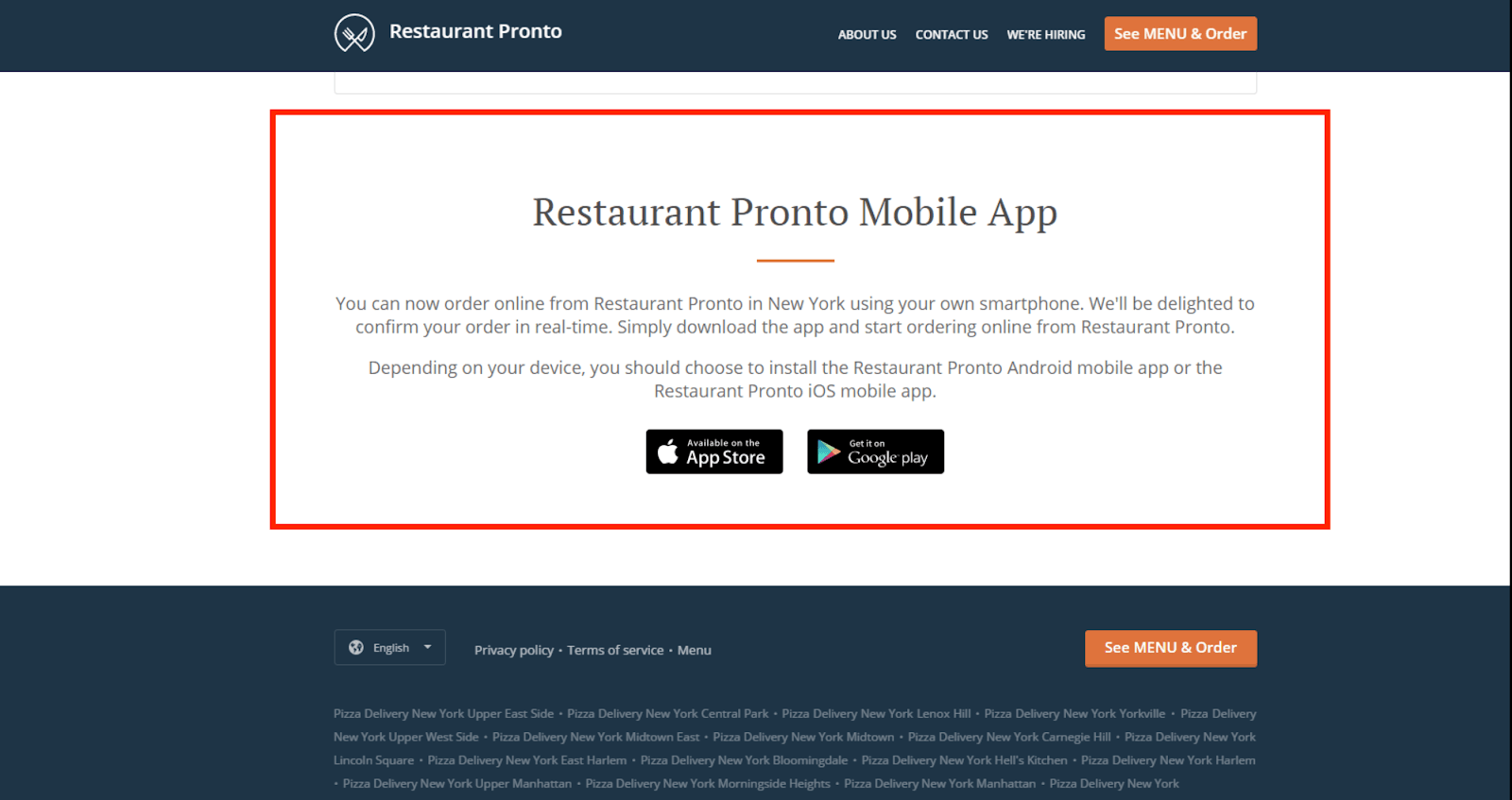
If the restaurant has released the "branded mobile app" AND activated the sales-optimized website, the system will automatically add a section to the website to promote the branded app. This section will be added AFTER the app is available on Google Play and iTunes.
This is what the section looks like:
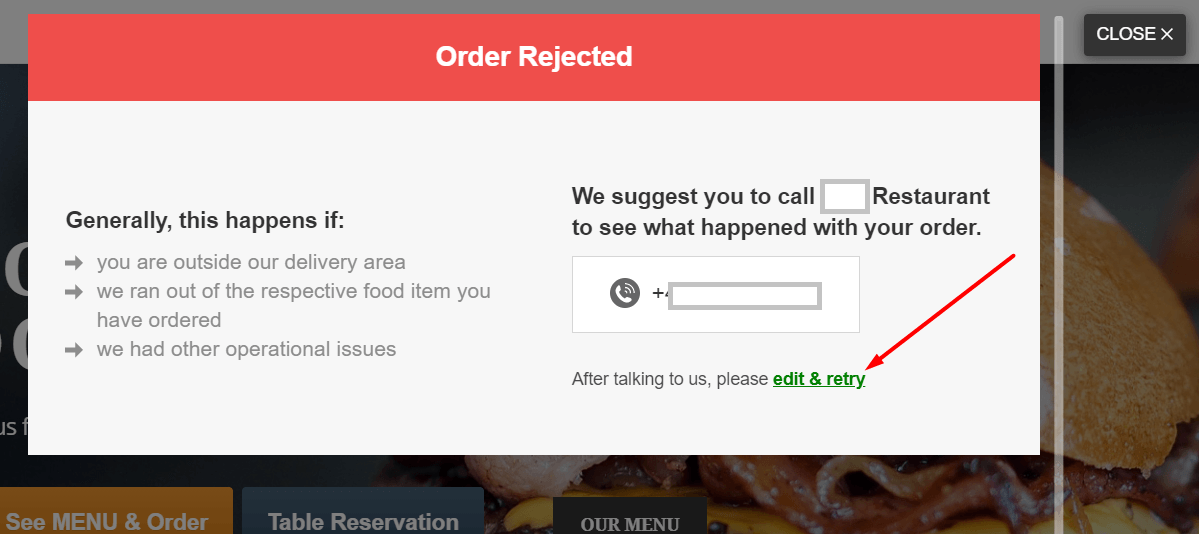
If an order is rejected, the customer can edit the order before resubmitting it. Something like this:
If orders are missed, food customers can re-place them, but have no way to edit them.
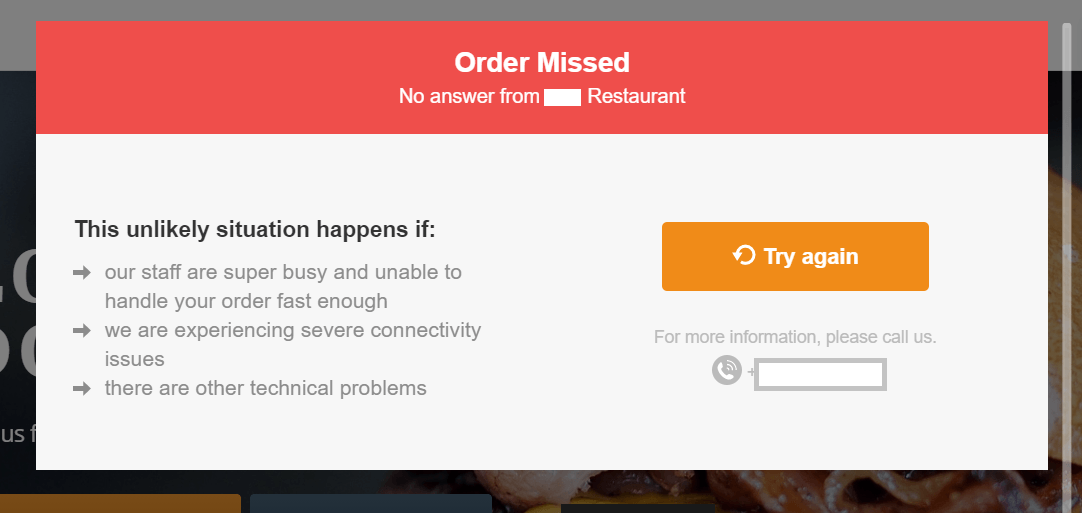
If the customer orders again, their final shopping cart data is already saved, so they only need to click on the menu items once more to make their selection.
Please note that the restaurant should not fulfill missed or declined online orders, as payment has not been recorded. In this case, the customer should place a new order to ensure payment is processed.